CLI Essentials
Master the command-line interface for xSwarm power users
The One Command You Need
xSwarm is designed around a single entry point:
npx xswarm This command does the right thing depending on your state:
- First time? Opens GitHub auth flow
- Not running? Starts the worker daemon
- Already running? Shows status

Checking Status
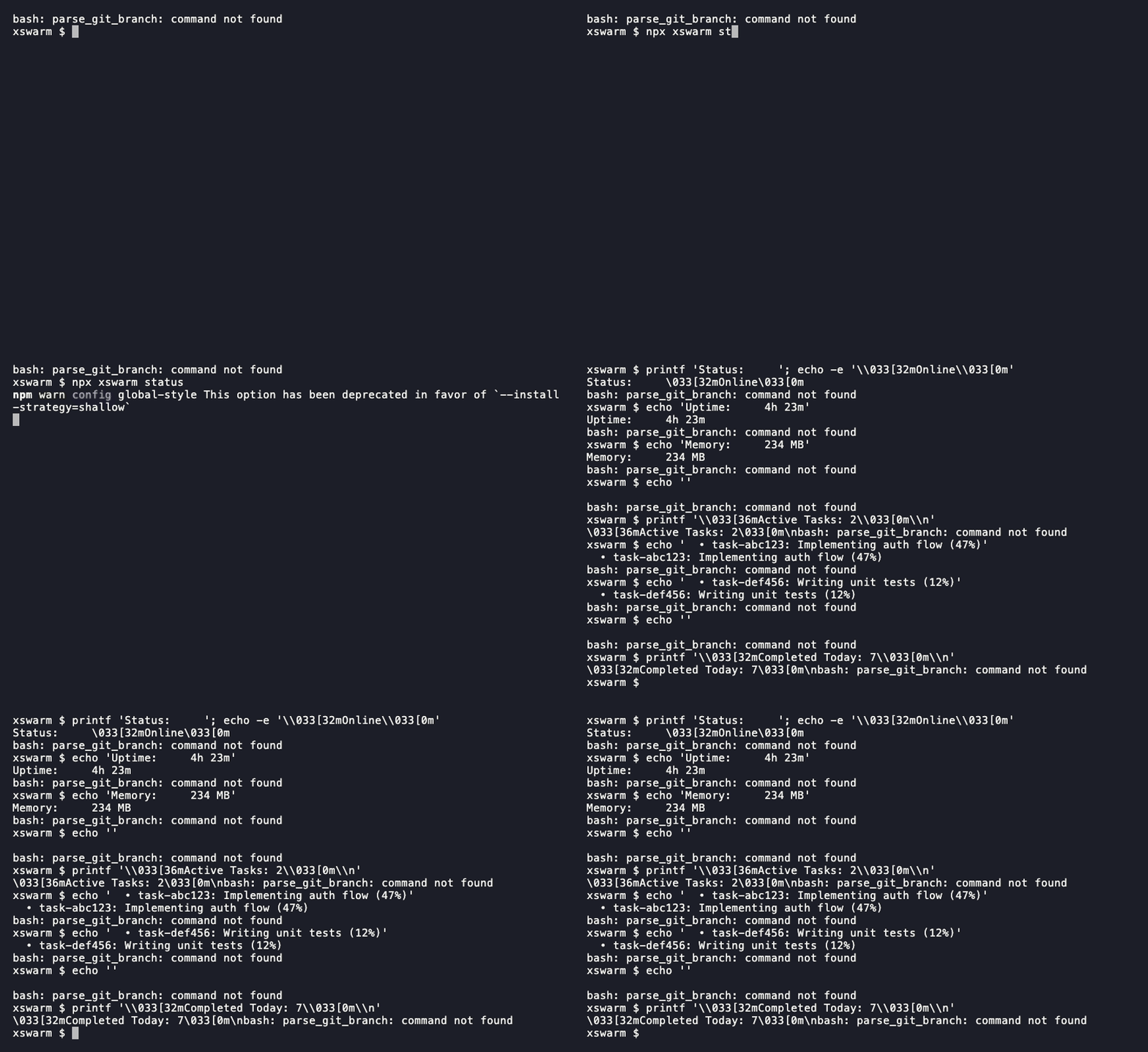
See what your worker is up to:
npx xswarm status This shows:
- Daemon status (running/stopped)
- Process ID (PID)
- Memory usage
- CPU usage
- Restart count
- Active tasks
Viewing Logs
Watch what your worker is doing in real-time:
npx xswarm logs By default, shows the last 50 lines. For more:
npx xswarm logs --lines 200 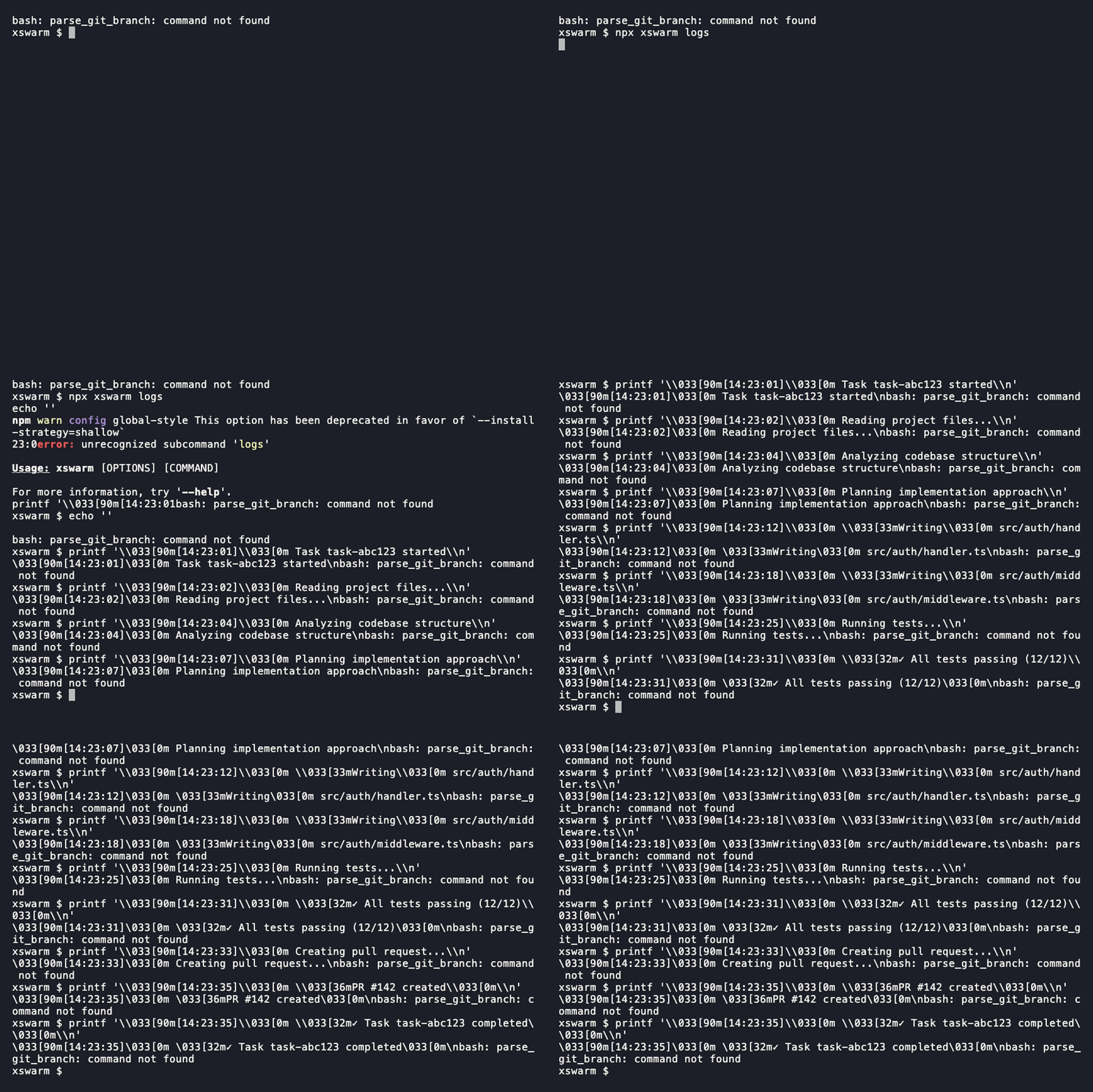
Pro tip: Logs are stored in
~/.xswarm/logs/ if you need to search through historical output.
Controlling the Daemon
Start, stop, and restart your worker:
npx xswarm start Start the worker daemon npx xswarm stop Stop the worker daemon npx xswarm restart Restart the worker daemon 
Authentication
Manage your GitHub connection:
npx xswarm login Re-authenticate with GitHub npx xswarm logout Clear stored credentials
Your authentication token is stored in ~/.xswarm/token. The logout command removes this file.
Configuration
Check your current configuration:
npx xswarm config
This shows your API endpoint and whether you have valid authentication. Configuration is stored in ~/.xswarm/.
~/.xswarm/
├── token Your auth token
├── config.json Worker settings
└── logs/ Log files
Quick Reference
| Command | Description |
|---|---|
npx xswarm | Smart default: auth → start → status |
npx xswarm status | Show worker status |
npx xswarm logs | View worker logs |
npx xswarm start | Start worker daemon |
npx xswarm stop | Stop worker daemon |
npx xswarm restart | Restart worker daemon |
npx xswarm login | Re-authenticate with GitHub |
npx xswarm logout | Clear credentials |
npx xswarm config | Show configuration |
What's Next?
Now that you know the CLI, explore the web dashboard:
- Dashboard Guide - Navigate your AI HQ
- Startup Founder Scenario - Ship features overnight